
Gemini 4 Neon launches: Why its API costs more than Carbon for now
Gemini 4 Neon is rolling out to paying Pro and Ultra users. It targets efficient complex work, but Carbon remains on promotion: the price comparison flips in December.
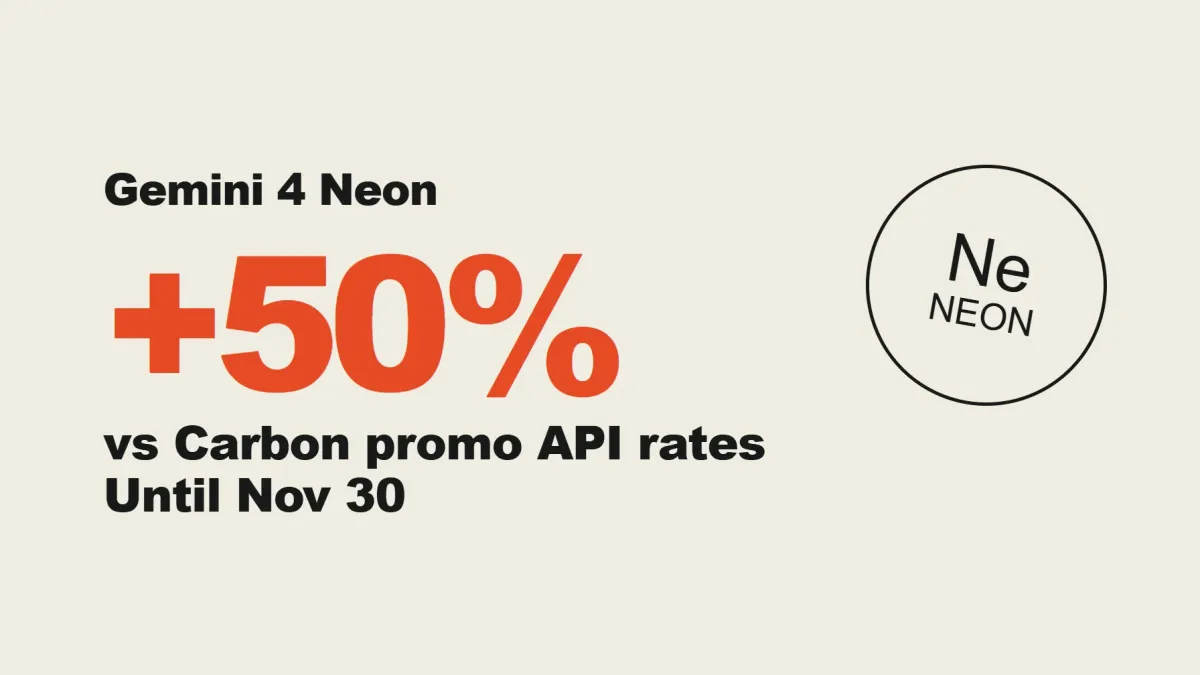
Google has added another element to Gemini 4. On November 18, US time, it officially launched Gemini 4 Neon, rolling it out in the Gemini app, Antigravity and the paid API. Carbon and Hydrogen had only just become available. Neon is meant to handle complex coding and analytical work that people need to repeat every day.
Google gave it a striking demonstration. In Antigravity, a group of collaborating Neon agents turned a single image into a Google Sheet with 100,000 cells. There were no embedded images or Apps Script code. Instead, more than 500,000 formulas handled edge detection, calculated depth and relit the scene. The cells became the canvas, and the formulas became an image-processing program.
That makes it tempting to try. But if you are switching APIs for greater efficiency and lower prices, pause before moving everything: Carbon is still on promotion, so Neon actually costs more today. Whether to switch depends on both the time it takes to finish the work and the final bill.
Where does Gemini 4 Neon fit?
Google has assigned the three models different jobs. Hydrogen handles fast everyday execution, Carbon takes on the hardest, long-running projects, and Neon balances capability on complex tasks with efficient completion. Its one-million-token context window can hold substantial material within a single task. Tokens are the units a model uses to break down and process its inputs and outputs.
Hacker News user stillpointlab was already tired of the names: every company has a lineup, and users still have to remember what work each model is suited to.
Neon has not made Carbon redundant. Google still positions Carbon for difficult, long-running work. In the HN discussion, declanjackson, who identified themselves as an Artificial Analysis employee, also noted that a model with a higher overall score is not necessarily stronger on difficult research tasks. Keep using Carbon where it already works well, and try Neon on a complex task you repeat every day. That makes it easier to see whether it helps.
Paying Google AI Pro and Ultra subscribers can select Neon in the Gemini app's model menu, and Antigravity is also rolling it out to those paid subscribers. Developers can use the Gemini API paid tier in AI Studio. Reddit user alexutzusoft2 had already seen it in their Jio Pro web account. Another user, pyro_savage, described a less orderly menu: Neon appeared, disappeared as older models returned, then appeared again. During the rollout, check what is actually available in your own account.
The same usage costs more today, less in December
Neon's standard API rates are $3 per million input tokens and $15 per million output tokens, with cached input at $0.15 per million tokens. Carbon is the easy part to misread: its promotional rates of $2 for input and $10 for output run through November 30, before returning to $4 and $20 on December 1. Argon is covered by the same promotion.
Comparing ordinary input and output unit rates, Neon currently costs 50% more than Carbon. Once Carbon returns to standard pricing, Neon will cost 25% less.
A fixed amount of usage makes this clearer. For one million ordinary input tokens and 100,000 output tokens, these are the API charges:
| Model and date | Cost |
|---|---|
| Neon, current standard rates | $4.50 |
| Carbon, through November 30 | $3.00 |
| Carbon, from December 1 | $6.00 |
Those 100,000 output tokens include the tokens generated during the model’s internal reasoning, which are also billed as output. The example uses no caching or paid search tools. Actual token consumption and cache hits will change the final bill. If you already run Carbon through the API, compare what it costs to complete the same work before the end of the month. Do not make today's decision using December's prices. Subscribers should check their own plan and available allowance; the API rates in the table are not subscription fees.
Start with high, rather than turning everything up
After switching to Neon, there is another choice that is easier to overlook than the model name: how much effort it spends thinking.
Artificial Analysis evaluated Neon at four effort levels: low, medium, high and xhigh. Their overall scores were 44, 55, 60 and 61 respectively, while average completion times for its index tasks were 3.7, 8.3, 14.8 and 21.5 minutes. The last step is telling: moving from high to xhigh added one point, but increased average time by about 45%.
Those times describe the evaluator's tasks, rather than the wait for every chat response. They do, however, make the tradeoff clear: how much extra time another level of thinking takes. Neon defaults to high. Start there and move to xhigh for problems it genuinely cannot solve. If high already gets the task right, the extra wait needs a reason.
Neon is worth trying, particularly for everyday complex work that combines reading material with analysis or coding. Give it one recurring task and see whether the result is ready to use and how long the whole job takes. Keep Carbon on the long-running work you already know it handles well.