
Running Hy4 flash locally: Is 128 GiB of RAM enough?
Tencent has released the Hy4 flash weights. The model activates about 12 billion parameters per token, but the smaller community GGUF version still takes up about 135 GB. What does that mean for a 128 GiB workstation?
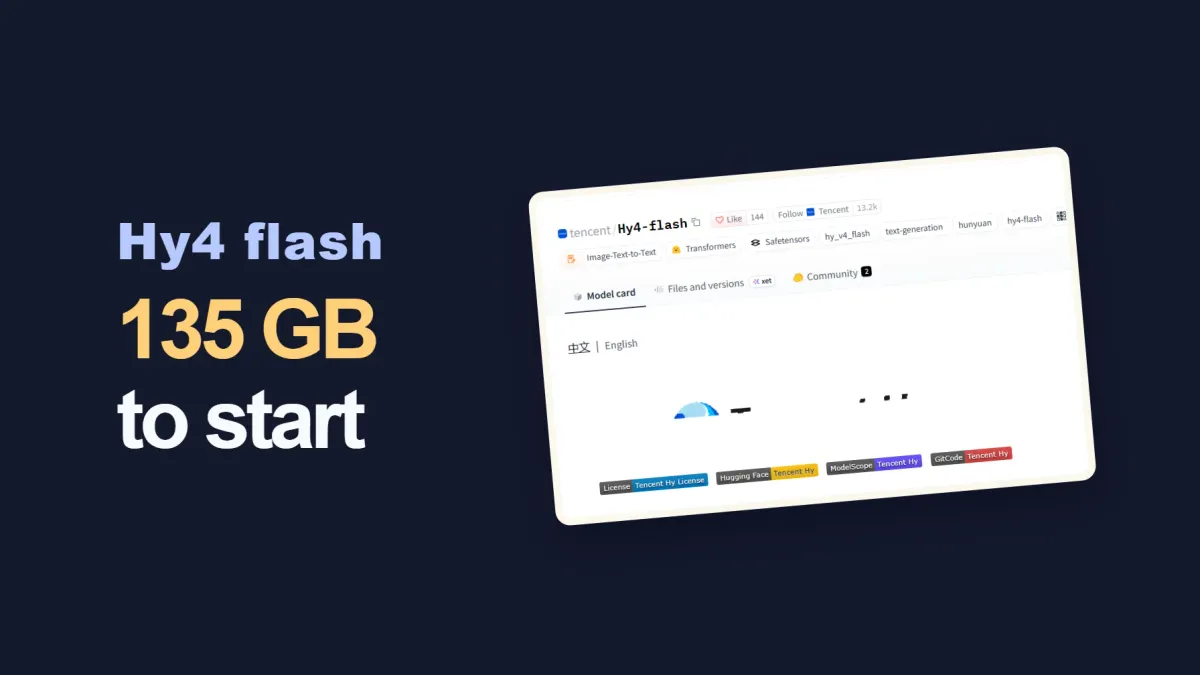
Tencent released the model weights for Hunyuan Hy4 flash on November 18, two days after the model went live as a hosted service. Once the downloads went live, someone on r/opencode asked what kind of hardware it takes. If your plan is to put the smaller community quantization entirely in the RAM of a 128 GiB workstation, that leaves roughly 2.3 GiB on paper. The operating system and inference software need some of that space too.
Those numbers come from AngelSlim's download directory. The two IQ2_AH GGUF shards total about 135 GB (126 GiB), while the two Q4_K_M shards total about 168 GB (157 GiB). GB and GiB are different units: the numbers inside and outside the parentheses describe the same files. With 128 GiB of RAM, holding all the weights in system memory is a tight fit. If your inference engine can offload some weights to a dedicated GPU, recalculate based on how it actually splits the load across RAM and VRAM.
Running Hy4 flash locally: 12B means less compute
Tencent’s model card lists about 220 billion parameters in total, with about 12 billion active per token. A token is a small unit the model works with when it splits up input or output. The model picks different computational modules for different tokens. Those modules are the “experts” in its mixture-of-experts architecture. Using only some experts at a time cuts compute, but the next token may need a different set. You still need somewhere to store all the weights.
The model also has about 64 billion Engram parameters. Think of them as a lookup dictionary of neighboring token combinations the model learned during training. The model looks up entries as needed, but the whole dictionary still has to live somewhere. Treating 12B as the size of the model you need to fit on a machine leaves out the weights that don’t all come into play in a single step.
Check that your inference engine supports the model
IQ2_AH and Q4_K_M shrink files by reducing the precision of some weights. GGUF is the file format that holds those weights. An inference engine has to support the Hy4 flash architecture as well as read GGUF. As of a November 18 check, the proposal to add support to llama.cpp had yet to be merged. Make sure your engine and version can load the model before downloading more than 100 GB of files.
If your engine can run the model, the next step is to budget for working memory. The 135 GB figure tells you roughly how much disk space to free up. What goes in RAM or GPU memory depends on where the engine puts the weights and cache. The model card lists a maximum context window of 1 million tokens. In practice, longer contexts generally require more space for the inference cache. Once the model starts, test it with your usual document lengths and request volume to see whether the machine is fast enough.
Tencent released an instruction-tuned version, a lower-precision FP8 version, and a Base version for further training under the Tencent Hy License. If you just want to see how the model handles your tasks, try the hosted service. If you need to run it on your own machine, do the math for your inference engine, quantized files, and typical context length. On a 128 GiB workstation, about 2.3 GiB of headroom on paper isn’t enough to bet on a download of more than 100 GB.