
Which MAI Image 2.7 model costs less for a single edit?
Microsoft priced MAI Image 2.7 and Flash at two different rates. On an approved product photo, the cost of swapping a background comes down to how many tries it takes and how much time you spend checking the fine print.
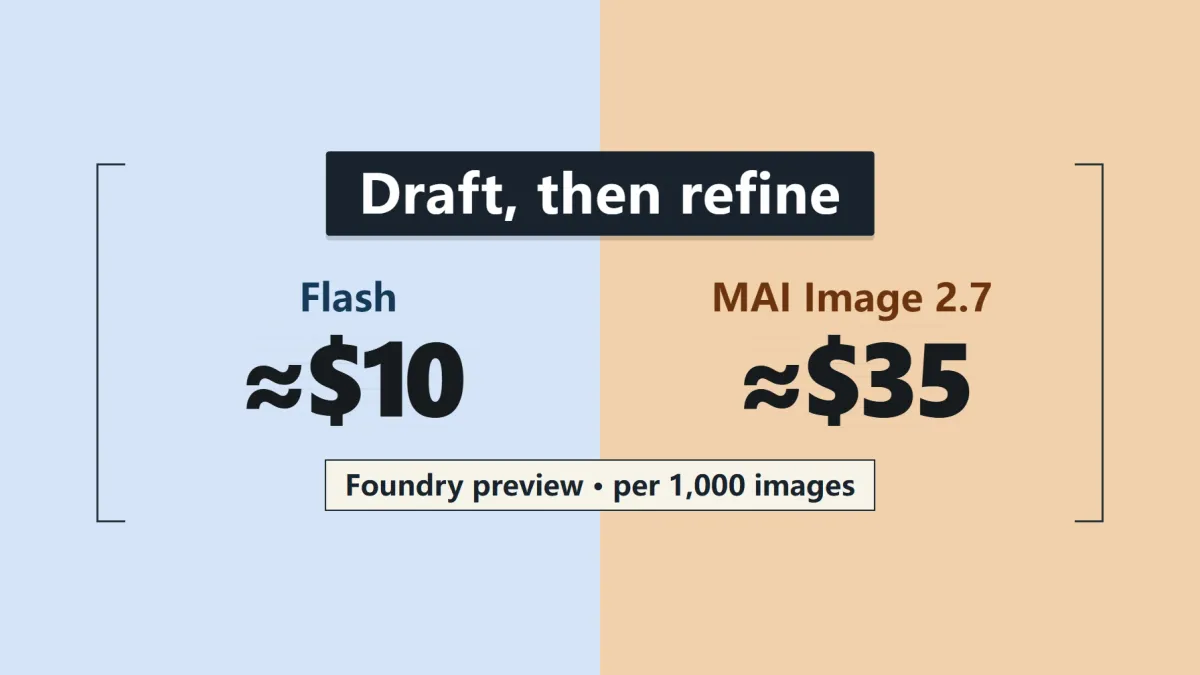
On November 17 at Ignite, Microsoft introduced two models that can generate and edit images: MAI Image 2.7 and MAI Image 2.7 Flash. Both are in public preview in Microsoft Foundry. Microsoft estimates they cost about $35 and $10 per 1,000 images, respectively. That same day, Microsoft shared the results of Artificial Analysis's image editing leaderboard, where the standard 2.7 model took first place.
If you make product photos, consider trying 2.7 after the client picks a shot. Their entire revision request might be “change the gray wall to off-white.” Once the wall looks right, check whether the fine print on the packaging, the color of the cap, and the shadow beneath the bottle survived the edit.
With MAI Image 2.7, price out the round of revisions
Before the client picks a photo, you can use Flash to explore more options. For a drink's product page, you might put the bottle by a window, on ice, or in a convenience store fridge. Microsoft's Canvas in MAI Labs runs on Flash. Start with a prompt or a sketch, then select part of the image to swap something out, move it, or change its style. At Foundry's estimated prices, $1 buys about 100 Flash images or about 28 images with the standard model.
Once the client picks the window shot, the math changes. Say Flash takes four tries to get the wall right. That costs about 4 cents. If the standard 2.7 model gets it right in one try, the image costs about 3.5 cents. The half-cent difference is small. The time adds up when you have to open every new image and check the fine print and bottle details again.
Microsoft's model card lists changing an object's color, material, or position while preserving the composition as a primary use for 2.7. Microsoft's announcement also includes feedback from partners. Wirestock's head of content described changing lighting, angles, and backgrounds. A Manus co-founder pointed to keeping details from reference images when making local edits.
Four points separate the leaders. Try your hardest edit.
In the November 16 leaderboard snapshot cited by Microsoft, 2.7 scored 1,215 in image editing, and the top configuration of GPT Image 2.6 Sunburst scored 1,211. Artificial Analysis calculates Elo scores from preferences in head-to-head comparisons. It gives the two models score ranges of 1,201–1,229 and 1,198–1,224, respectively. Those ranges overlap substantially. With scores this close, let a product shot that's already gone through several rounds of revisions guide your decision.
Give the client-approved original to MAI Image 2.7 and Flash and ask each for the same edit: turn the gray wall off-white and keep the bottle and the shadow beneath it. Check the wall color and the shadow first, then zoom in on the lettering on the packaging. If the logo, specs, and type must match exactly, keep the original packaging artwork and composite it back in once the background is ready.
Both models support transparent backgrounds, which makes it easier to bring the product back into an editable design file. The standard 2.7 model card puts the output limit at about 4.19 million pixels, equivalent to a 2,048 × 2,048 square. For print, take a fresh look at the dimensions and how well small text will reproduce, even if the image is ready for an online store.