AI character consistency: a guide to references, prompts, and batch generation
Keep a recognizable character across AI images with clearer references, controlled prompts, sample testing, review, and targeted repairs.
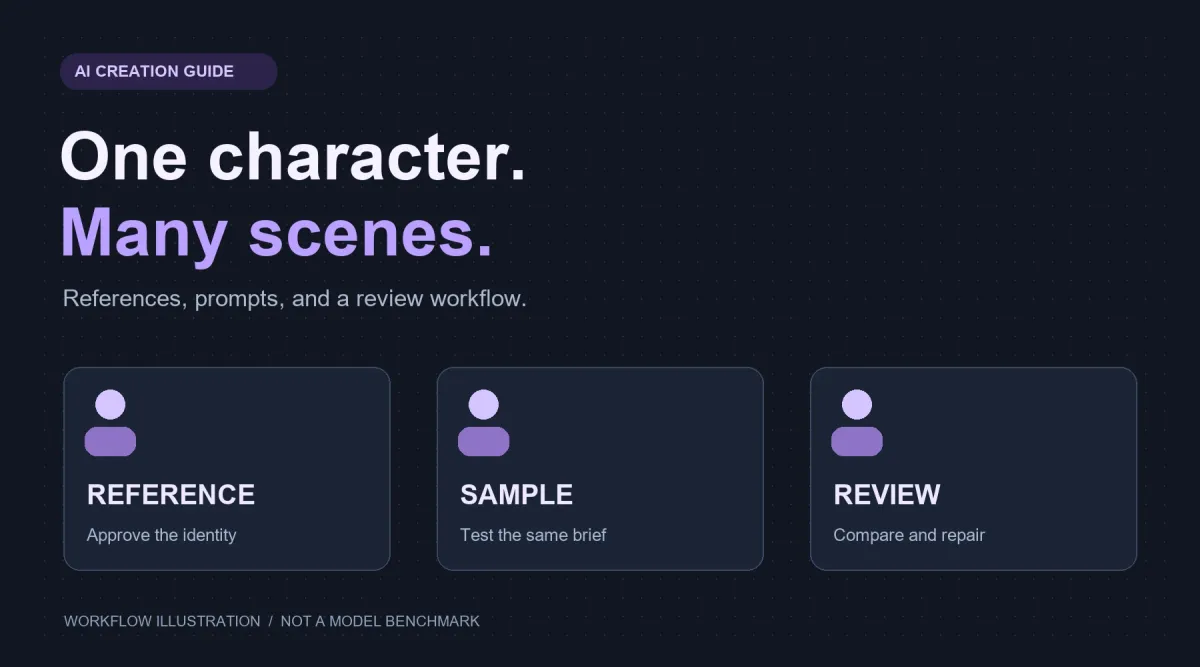
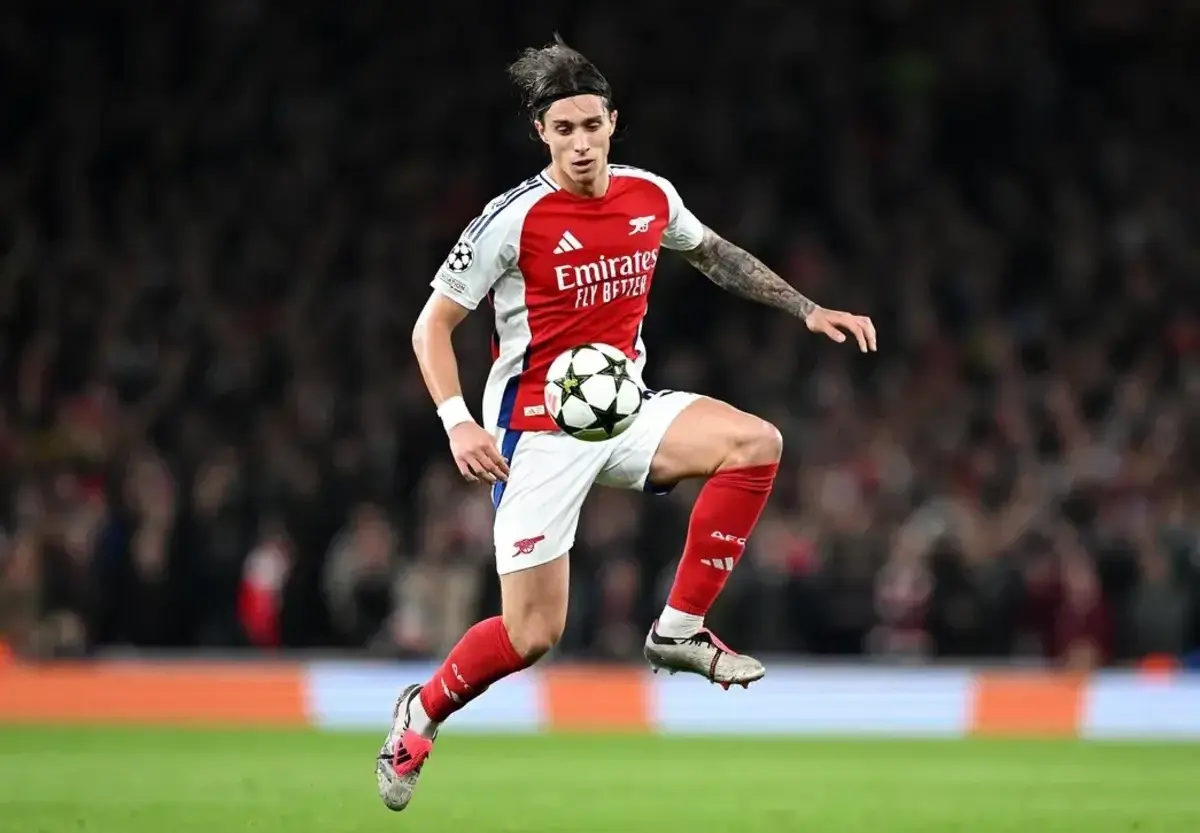
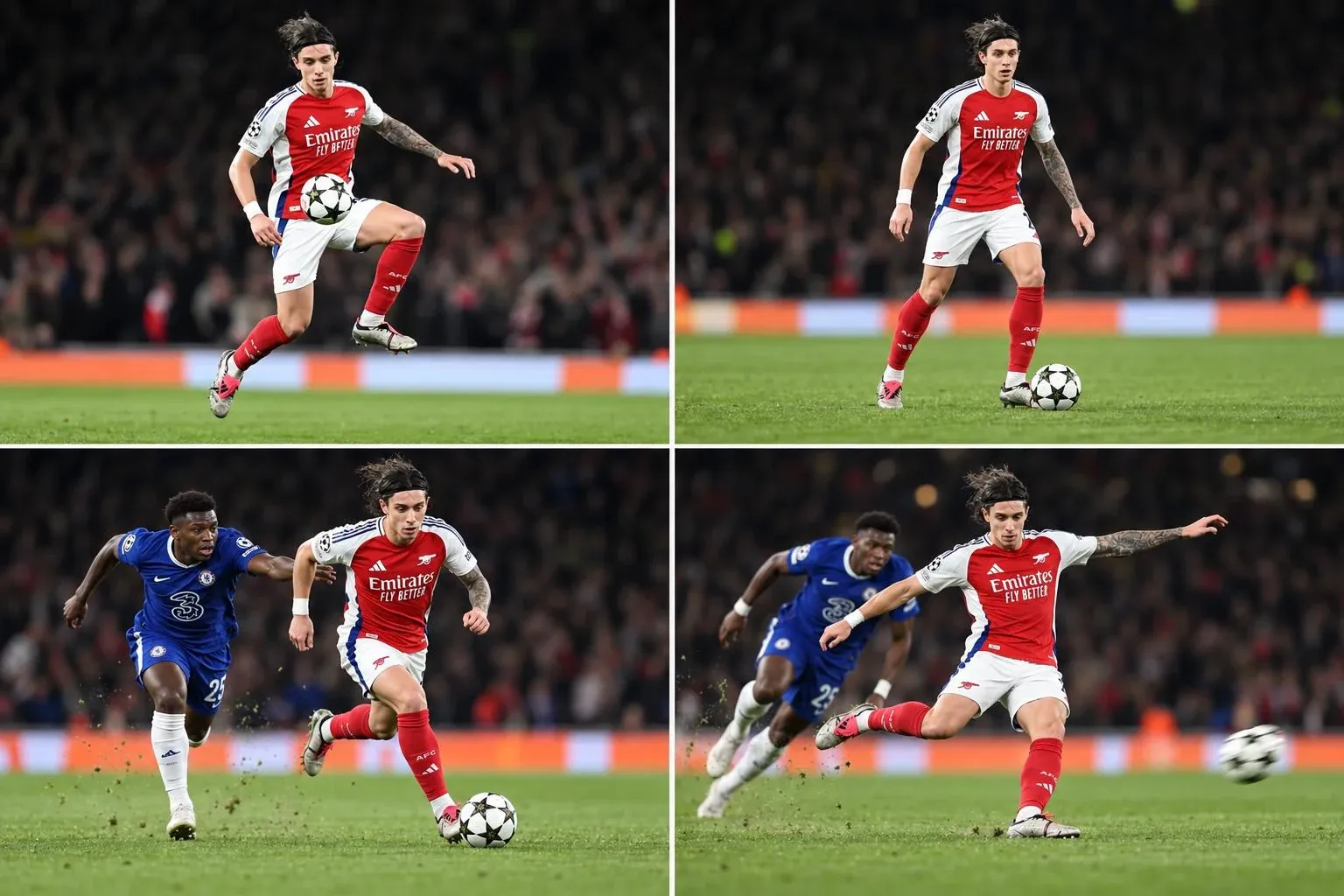
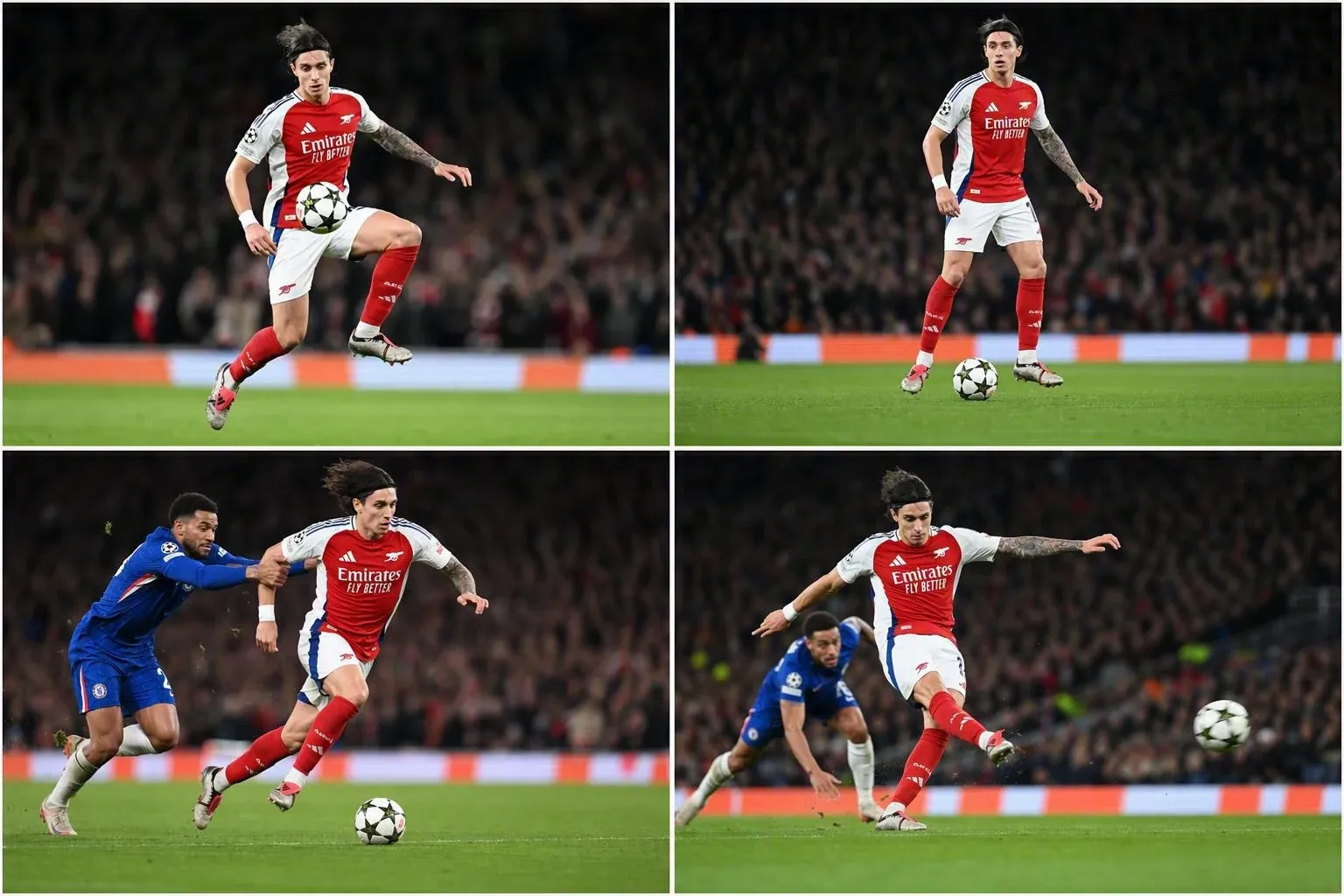
The first image looks right, but a new scene seems to introduce a different actor. Each result may look attractive on its own while the collection fails to depict one recognizable character. For virtual personas, model imagery, and storyboards, continuity across the set matters.
Here, character consistency means visual identity across images, rather than the speaking style of a chatbot. It requires managing reference material, generation conditions, and acceptance criteria together. A request to keep the same person is only one part of that process.
Faces keep changing? Check these five things first
- Confirm the image is actually sent as input. Mentioning a filename does not supply an image. For an API integration, verify the image field, access to the image URL, and support for that input method.
- Check for conflicting references. Different ages, heavy retouching, or substantial appearance changes can make the intended identity ambiguous.
- Check whether the prompt changes the identity. A request for another outfit should not accidentally introduce an unrelated face description.
- Compare the same generation conditions. Record the model version, references, prompt, and important settings rather than changing the model while judging a prompt.
- Compare against the same approved baseline. Do not rely only on your memory of the previous generated image.
Separate fixed identity from changes required by the shot
Create a short character specification that distinguishes identity from the requirements of the current image.
| Type | Examples | How to manage it |
|---|---|---|
| Identity baseline | Facial outline, relative facial features, distinctive identifiers | Use the approved character material as the baseline |
| Project continuity | Hair, clothing, accessories, visual style | Decide which details must persist and which may change |
| Shot variables | Setting, action, composition, lighting | Describe the changes required for this image |
The same person does not necessarily mean every detail remains unchanged. An outfit project may require different clothing, while a continuous story may require one outfit throughout. Establish that boundary before reviewing results.
Prepare clear, coherent references that fit the intended shots
Choose one clear baseline without obvious generation errors. Add other views or body-proportion information when the planned shots require them. More references are not automatically better.
Check whether:
- the face is clear enough to assess despite glasses, hair, or other occlusion;
- the different views belong to the same intended character;
- lighting or retouching substantially changes apparent features;
- wider shots have enough information about the intended build and proportions.
Keep backgrounds simple enough to reduce distractions. A pure white background is not a universal model requirement. Follow the target model's rules for reference count, dimensions, and input format.
Retain an approved baseline. Generated images can become candidate references, but compare them with that baseline first. Otherwise, an unnoticed change can become the starting point for further edits.
Select models by capability, then compare the same examples
First check whether a model accepts reference images, supports editing, and provides the multi-image or local-editing controls you need. Text-only generation and reference-based editing are different operations.
The FLUX.1 Kontext introduction from Black Forest Labs describes character preservation and targeted editing. Google's image prompting guide also demonstrates maintaining a character in different contexts. These are capability references, not a ranking for your particular inputs.
Compare candidate models on the same tasks: identity retention, instruction following, repairs required, and cost per deliverable image.
For compatible diffusion workflows, image-conditioning components are another option; see the Diffusers IP-Adapter documentation. These methods need a supporting pipeline. An arbitrary parameter added to a commercial API does not enable them.
Write prompts that separate the identity source from the requested edit
A reusable structure identifies the supplied character, then describes the shot and the conditions that should persist.
The following is an example written for this article. It is not a measured result or a model-specific parameter format:
Use the same character shown in the attached reference images.
Preserve the character's facial identity.

This image: the character sits beside a bookshop window,
reading an open book.
Framing: a waist-up medium shot at approximately eye level.
Allowed changes: the setting, seated pose, and a light gray cardigan.
Preserve: the character's identity and established hairstyle.
Style: a natural documentary photograph with soft window light
and restrained retouching.
When the reference already establishes the face, a new detailed facial specification in every request may be unnecessary. Resolve contradictions between text and images. If you deliberately change hair, apparent age, or another appearance condition, state that intention and update the acceptance criteria.
The photographic style should match the job. A casual portrait may need unpolished framing, while a product shoot may need controlled lighting. Neither a phone-photo look nor a studio look is a universal consistency rule.
Aspect ratio also changes framing, subject size, and cropping. Start comparisons at one ratio, then test other formats after the baseline works.
Run a small test before generating the whole batch
The following is a proposed checking procedure, not a validated industry benchmark.
| Shot | Main question |
|---|---|
| Familiar angle with a simple background | Does the baseline identity survive? |
| Changed angle or action | Does the character drift in profile or expression? |
| Wider framing or a different setting | Does the character still meet the brief when smaller or surrounded by more detail? |
Change one condition first, then combine changes. Changing clothing, apparent age, style, angle, and lighting together makes a failed result harder to diagnose.
To compare two models, you could generate three shots twice with each model, for twelve requests in total. This is a manageable starting budget, not enough evidence to claim that one model is universally better.
Save the model and version, reference identifiers, complete prompt, aspect ratio, quality setting, and actual charges. Record a seed when the endpoint exposes one, without treating it as an identity guarantee across prompts or models.
Expand the run after the sample passes. Repeat the important shots when changing the baseline references or model version.
Review identity before judging polish
Attractive lighting can hide a changed face. Use a fixed review order:
- Identity: side by side with the baseline, is this still the intended character?
- Continuity: did required hair, clothing, accessories, or style change?
- Execution: are there problems with hands, text, props, backgrounds, or composition?
Assign a clear next action:
- Deliverable: identity and task requirements both pass.
- Local repair: identity passes, but a specific area needs correction.
- Regenerate: identity has drifted substantially or the key requirements fail.
Attach a short reason, such as a changed profile or an otherwise acceptable image with a hand defect. Do not promote an attractive but incorrect identity into the reference library just because the image looks polished.
Repair a specific defect without repeatedly rebuilding the image
When identity and composition pass, consider supported local editing for a hand, text element, or background detail. Preserve the original as a rollback point and inspect the whole result after editing.
If identity has already changed substantially, return to the baseline and original request conditions before deciding how to regenerate. Repeated edits to an incorrect starting point can make diagnosis harder. BFL also documents the possibility of visual artifacts after excessive iterative editing.
Simple folders and a record sheet are enough to start managing a batch. Preserve the source request, review state, and reason for each revision. Move approved results into a delivery folder without depending on a particular application's gallery or queue controls.
Measure cost per deliverable, not just price per generation
Track two quantities:
Deliverable share = accepted images / images reviewed in this batch
Cost per deliverable = actual total batch spending / final deliverable images
Include actual generation, repair, upscaling, and other charges. If a hypothetical batch costs CNY 12 and produces six accepted images, the cost per deliverable is CNY 2. These numbers illustrate the calculation, not model pricing or measured performance. With no accepted images, do not report a zero cost per deliverable.
Results depend on the model, character, and review standard. Another user's acceptance rate does not establish your budget. Rates produced by different standards are not directly comparable.
Frequently asked questions
Can I start with one reference image?
Yes, particularly when the angle and framing stay close to the reference. Add views as the planned shots and model behavior require. Multiple images do not automatically guarantee better identity retention.
Should every prompt describe the eyes, nose, and face shape?
Not necessarily when the references already establish them. Repeated descriptions may be unnecessary, while contradictions make the target less clear. Use text to identify the source character, current shot, and intended changes.
Will a higher quality setting fix identity drift?
There is no guarantee. Quality settings, output size, and identity retention are different dimensions. Check the references, editing mode, and instructions too, and use quality controls only where the model actually provides them.
Does the same seed lock the same person?
There is no general guarantee. Seed behavior depends on the model and implementation. Changes to the prompt, model, or other settings still require review.
Can this workflow guarantee identical identity in every image?
No. It makes generation conditions easier to control and helps identify drift and select deliverables. Verify the outcome using your own references, tasks, and acceptance criteria.
Before a larger run, check the target model's image input, editing, dimensions, and pricing in the API platform. Start with a sample before increasing volume. For programmatic batches, see the API 429 rate-limit and retry troubleshooting guide.
Further reading
This article reorganizes the problem around references, prompting, review, and cost control. Its sample prompt and checking procedure were written for this guide and are not reported experiments from the source. The workflow was informed by this guide to consistency across a character batch; capability references are linked in the relevant sections above.