
Postman auto-installed plugins: check these three settings
Users reported Postman plugins appearing in Codex and Claude Code without an expected opt-in. Check plugin installation, hook trust and MCP login separately before responding to unfamiliar authentication prompts.
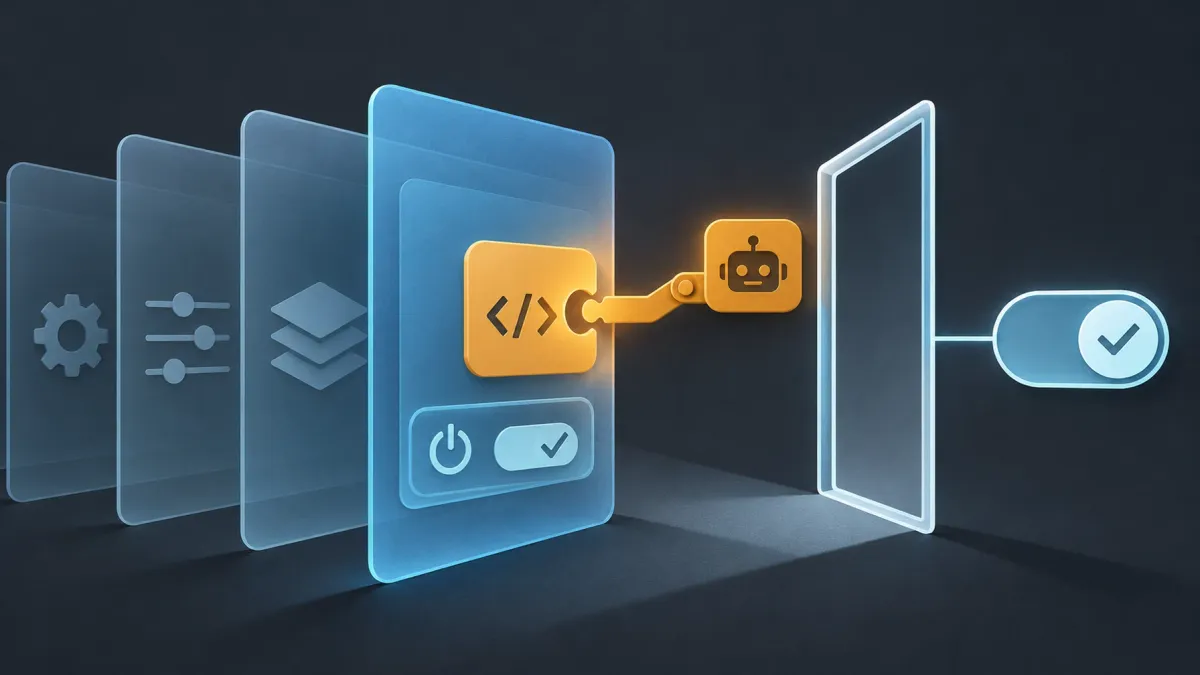
You never installed the Postman plugin, yet your coding assistant keeps saying that Postman's MCP service needs authentication. Ask it to handle ordinary API work, and it starts loading Postman skills. That is the behavior one developer reported after opening the Postman desktop app.
On October 25, GitHub user indicava submitted logs and configuration records. On November 3, the report drew extensive discussion on Hacker News, followed by coverage from The New Stack and other outlets. A company response and further records from users on newer versions have since emerged. If you see similar symptoms, check the plugin, startup hook and remote connection before signing in to dismiss an unfamiliar authentication prompt. As of November 4, 2026, the public evidence supports unexpected changes to integrations and instructions. It does not establish that API data was transmitted off the machine.
Postman auto-installed plugins: authentication errors provided the first clue
It is easy to treat this as a routine plugin problem. A remote service is not signed in, so sign in; the assistant keeps loading a skill, so disable it. But the original report raises another question behind both symptoms: where the installation came from. The user had not expected an API client to alter other coding tools as well.
indicava was using Postman desktop 12.33.4 on macOS. The application logs they supplied labeled the installation auto-existing-upgrade and recorded successful installation of Claude Code and Codex plugins. The report also listed user-level configuration changes, startup instructions and a separately installed CLI. These are records preserved by that user; Orbis has not reproduced this installation sequence on a clean machine.
Amanda Caswell reported on these installation records for The New Stack, also noting that the available evidence did not show API data being collected. An authentication failure provides only a specific clue: the assistant is attempting to initialize a remote MCP connection. It does not explain who installed the plugin, nor does it establish on its own that the service received data.
When read on November 4, the relevant HN thread had 1,177 points and 388 comments in an API snapshot. Discussion focused on authorization between tools; votes cannot establish what happened to data. The original report explicitly did not claim to prove data exfiltration, although some headlines went further. Keep the same distinctions when inspecting your machine: a service appearing in configuration, a successful login, an actual tool call and the contents of any upload each require their own evidence.
Installation, startup instructions and login need separate decisions
A coding plugin can supply skills, MCP tools and startup hooks. Skills tell the assistant how to organize a type of work; an MCP connection gives it access to external tools; a startup hook can provide instructions when a session begins. The user may see a single plugin name, but the actions underneath it occur at different times and have different effects.
Postman's published older startup context tells the assistant to load postman:api-engineer before handling general, non-trivial API engineering tasks. Its scope includes design, implementation, testing, monitoring and documentation. That is much broader than using Postman only when the user explicitly requests it, and helps explain the reporter's repeated Postman skill announcements during ordinary API work. The file also states that user requests and project instructions take precedence; it should not be described as overriding every user command.
The installer is the more contentious part. The pinned version of codex-hooks.ts checks the Postman hook's state and content hash, then attempts to use config/batchWrite to write a trust entry before checking the result. This implementation establishes that the installer attempts to approve its own hook. Host versions or interface conditions can cause the attempt to fail, so the code's existence alone does not show that approval succeeded on every machine.
Postman's current installation documentation also distinguishes the routes. Install through the Codex app or command line, and the hook starts untrusted and requires review in the host. The published plugin installed through the direct link described in the documentation has no such hook. The installer that detects local agents approves it on the user's behalf, or prompts the user if it cannot. The documentation says that skills and MCP still work without the hook. Automatic approval is therefore not a technical prerequisite shared by all installation routes.
An installer can help users discover compatible tools and avoid repeated input. Decisions about installing into each host and trusting a startup script should remain visible and separate. Our earlier article on Goldman Sachs restricting AI coding tools discussed execution permissions and the handover of prototypes. The same concrete question applies here: who approved the next step, and where?
Preserve evidence before disabling an unwanted integration
If an unexpected Postman authentication prompt appears when you open your assistant, start with the checks below. They are compiled from public configuration records and plugin-management methods; Orbis did not perform the reported automatic installation or removal. The original report concerns macOS, and its default user directories serve as the example. Custom configuration directories and other systems depend on the actual installation.
- Record versions and timestamps. Save the Postman and coding-assistant versions, the time the prompt first appeared and the relevant installation records. Back up the affected configuration before editing it. Redact accounts, tokens and unrelated project content when preserving evidence; do not paste an entire user configuration into a public issue.
- Check the assistant's own plugin manager. In Codex or Claude Code, check whether Postman is present, whether it is enabled, and whether it applies to the current project or the whole user account. Disable an unwanted integration first. The default Codex configuration path in the original report is
~/.codex/config.toml. If manual editing is necessary, in the existing[plugins."postman@postman"]section, setenabledtofalse. Do not add a duplicate TOML table or replace the entire configuration with an example from the internet. - Review startup hooks and MCP separately. Identify Postman's hook-trust entry and the
mcp.postman.comconnection in the user configuration. For Claude Code, check the default paths in the original report,~/.claude/settings.jsonandinstalled_plugins.jsonunder~/.claude/plugins/; locate the actual files if you use custom directories. Act only on entries confirmed to belong to that integration; leave entries of uncertain ownership intact. Do not assume that removing the plugin also removes a remote login and the local CLI. - Restart and open a new session. Check whether the plugin is still enabled, whether authentication prompts return, and whether ordinary API tasks still proactively load Postman skills. Context already present in an old session is not a useful test of whether a newly changed startup behavior has disappeared.
Deleting the Postman desktop app does not mean these checks are complete. The official plugin repository provides status checks and host-specific removal methods, but even a successful removal message should be followed by verification in each assistant. GitHub user ck-tecso reported that their Copilot entry remained after using plugin uninstall from Postman's Help menu. That is one user's result, but it is enough reason to avoid promising complete cleanup in a single click.
If you want the Postman plugin, establish where it came from before re-enabling it through a host-supported route, then review hook trust and MCP login separately. If you do not use it, there is no need to connect an account just to silence an authentication error. For help with the basics, start with our Codex beginner's guide and Claude Code beginner's guide before locating the scope of your configuration.
After the response, check whether opting out sticks
Emerson Redding reported for RuntimeWire that Postman's head of product, Sarabmeet Kallar, said the company would make opt-in clearer and review hook approval and session-start behavior. At the time of this check, we had not found formal release notes establishing that the problem was fixed. A commitment to improve and a delivered change remain separate things.
Follow-up records from newer versions did not repeat every part of the original report. User ronthedrummer supplied records of automatic installation after upgrading to 12.35.1, then clarified that they had not run Codex to observe whether the hook executed, and that the relevant configuration had no trusted_hash. Those records support that an installation occurred. They cannot establish that the newer version also successfully approved and executed a Codex hook. The difference between the two reports lies precisely in the trust entry that needs inspection.
Some community members have switched to Bruno or to managing requests directly in files. Changing tools can avoid an unwanted product direction, but the old configuration still needs attention. Bruno's migration documentation supports importing Postman Collections; environments need separate handling, and script compatibility has conditions. Before a migration, use a collection without sensitive data and a single request to check authentication, variables and script assertions, then expand. A successful import does not establish that the full test suite behaves equivalently.
After making changes, return to a fresh session and check the results: a disabled, unwanted plugin is no longer loaded; a service you do not want to connect remains disconnected; and your choices survive the next launch or desktop-client update. Resolving the controversy requires those results to hold repeatedly. Users can then return to debugging their APIs without first investigating who changed their assistant's configuration.
Further reading
- Original GitHub report and follow-up discussion: Postman's automatic plugin installation
- Postman's official plugin repository
- Startup context at the pinned version
- Postman's per-agent installation documentation
- Amanda Caswell's report for The New Stack
- Emerson Redding's RuntimeWire report on Postman's response
- Yash Thakker / explainx: evidence limits and inspection steps
- Hacker News discussion
- Bruno's Postman migration documentation